
3DMark + PCMark 10 + VRMark Bundle PC Steam CD Key











Description
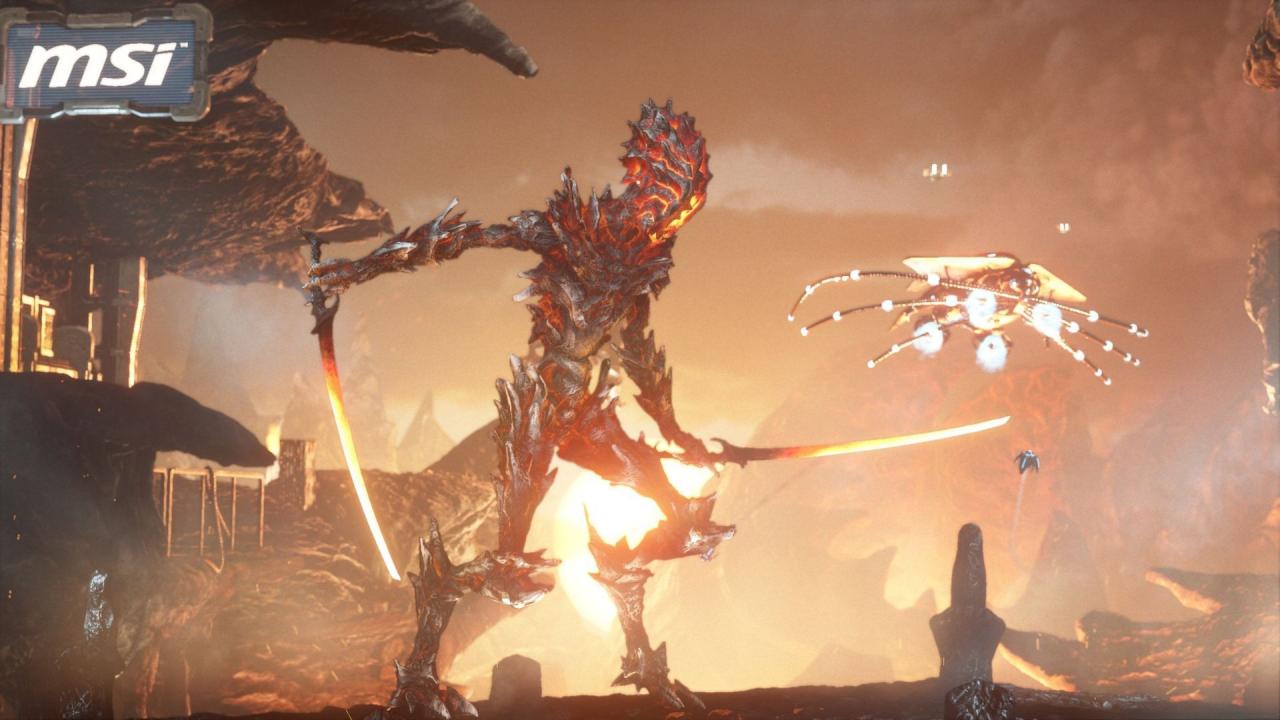
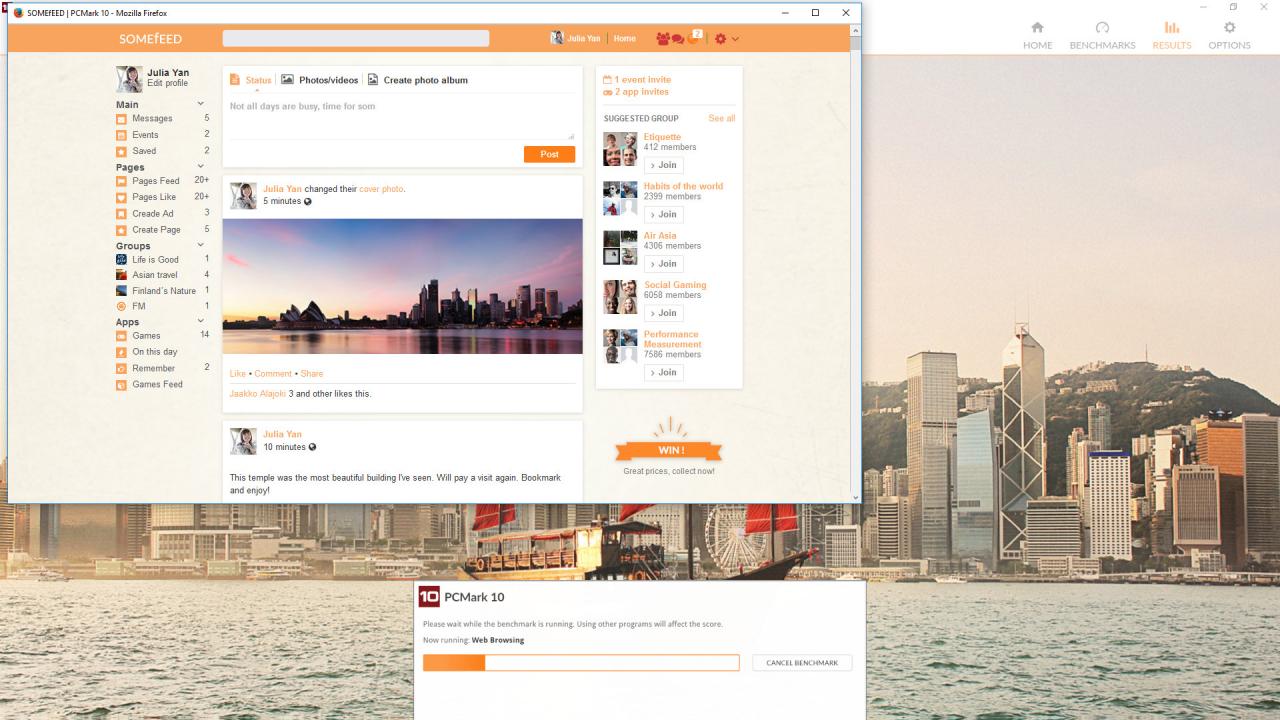
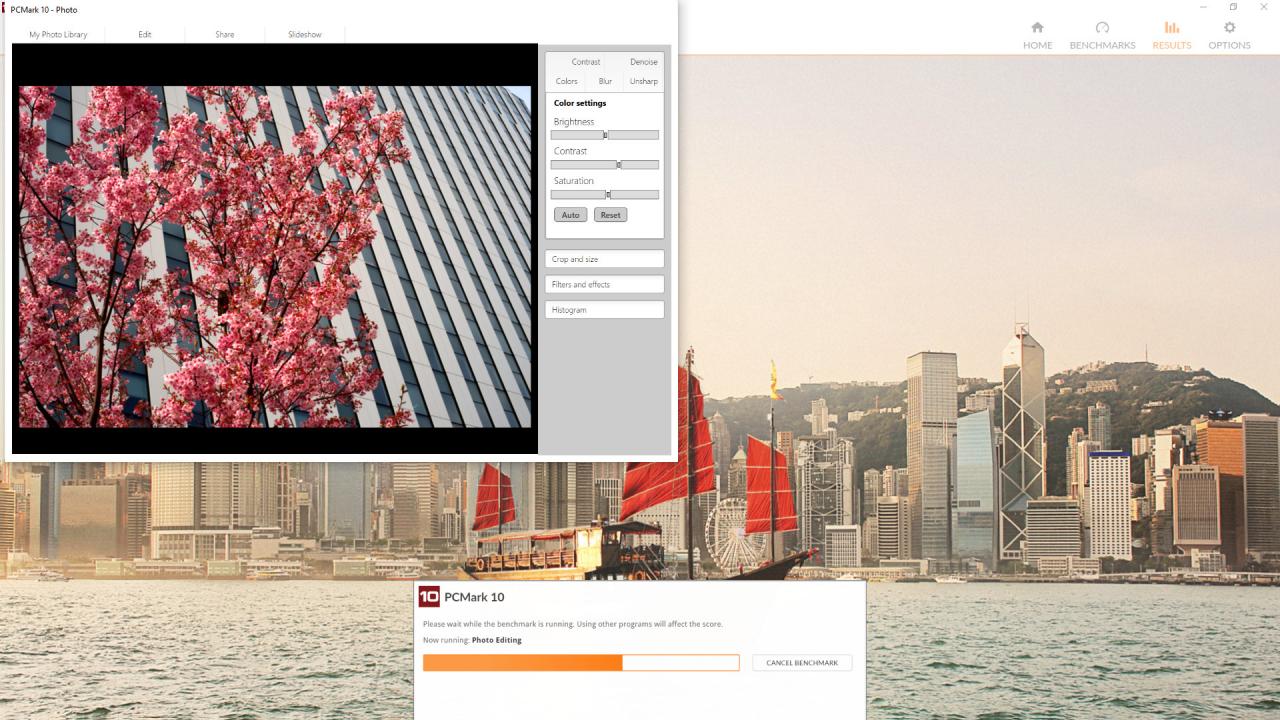
Is your PC ready for VR? Find out with VRMark, the virtual reality benchmark. See if your PC meets the performance requirements for HTC Vive and Oculus Rift. Test your PC with three VR benchmark tests, headset not required. Or connect an HMD and judge the VR experience with your own eyes. Detailed results and hardware monitoring charts. Explore each scene in VR or on your monitor with Experience mode. PCMark 10 is the latest version in our series of industry standard PC benchmarks. Updated for Windows 10 with new and improved tests, PCMark 10 is also faster and easier to use. The industry standard PC performance benchmark for Windows. Relevant, real-world tests covering a wide range of everyday activities. Accurate and impartial, ideal for comparing systems and choosing upgrades. Created in cooperation with leading hardware and software companies. 3DMark includes everything you need to benchmark your hardware. With its wide range of benchmarks, you can test everything from tablets and notebooks to the latest 4K gaming PCs. Easy to use, no technical know-how needed. Works with all types of PC, from desktops to tablets. Includes all benchmarks, stress tests, and feature tests. Explore your PC’s performance limits with custom runs. In-depth hardware monitoring graphs. Automatically save your results offline.


Reviews
There are no reviews yet.