
NoLimits 2 Roller Coaster Simulation Steam CD Key



Description
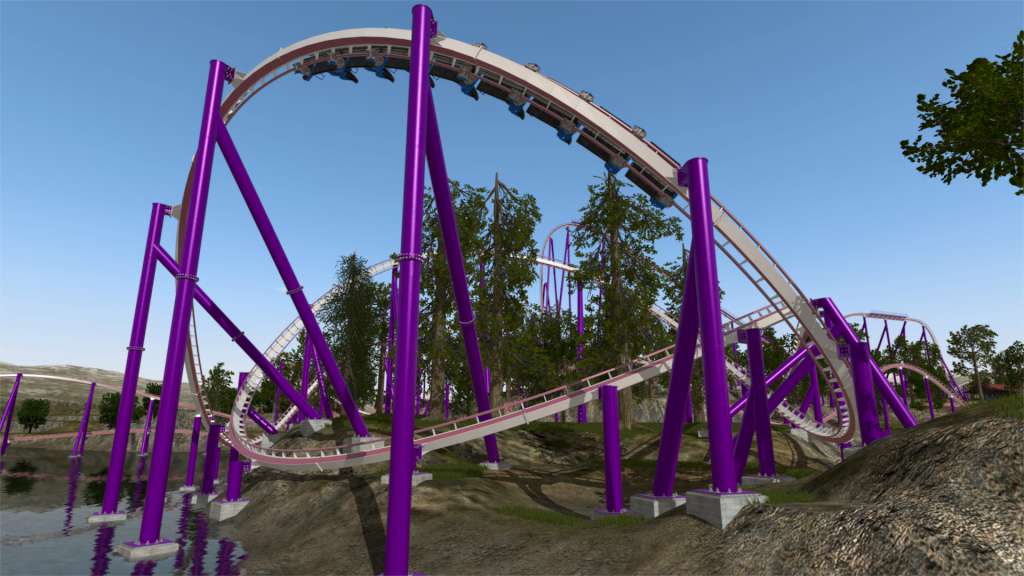
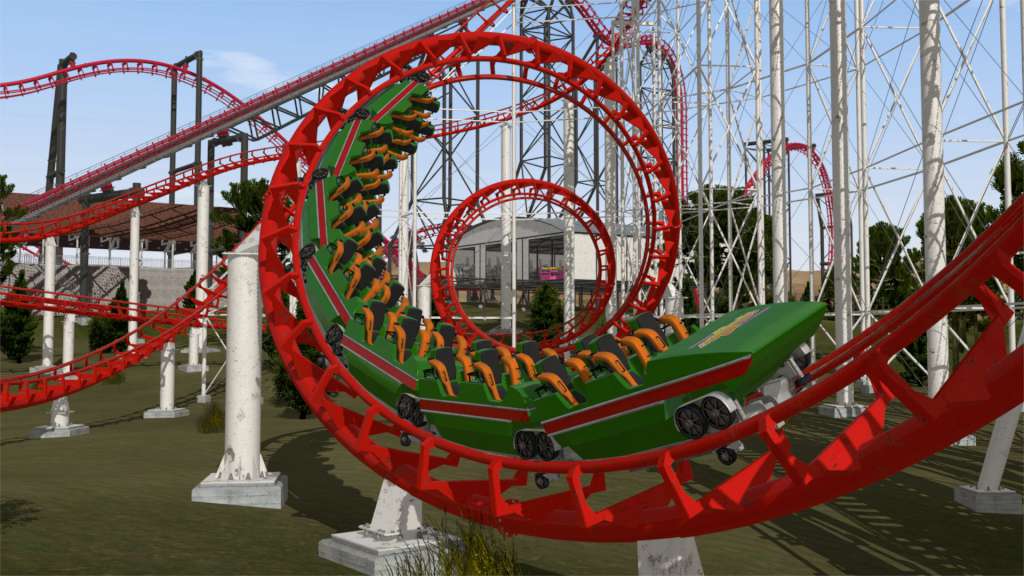
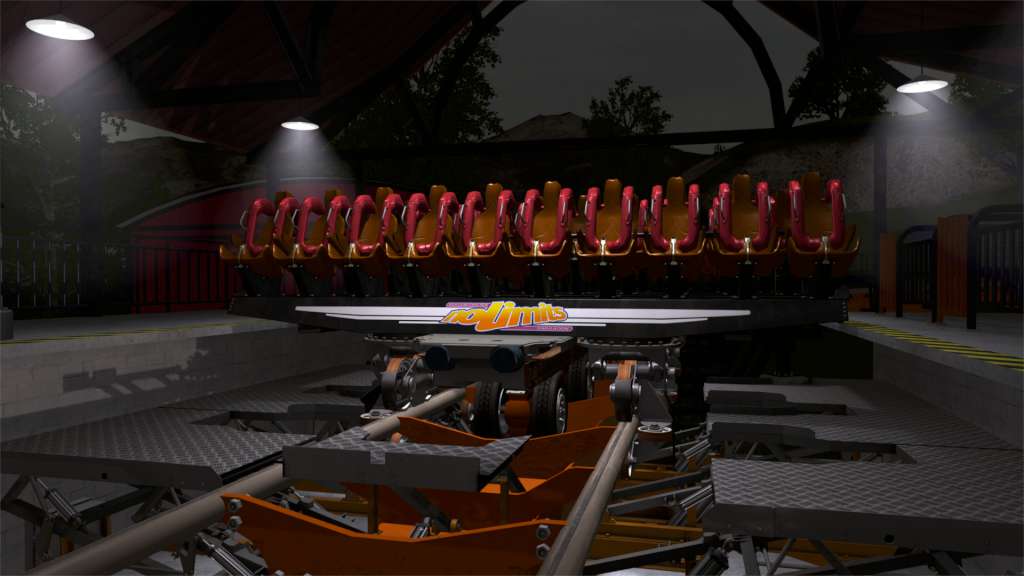
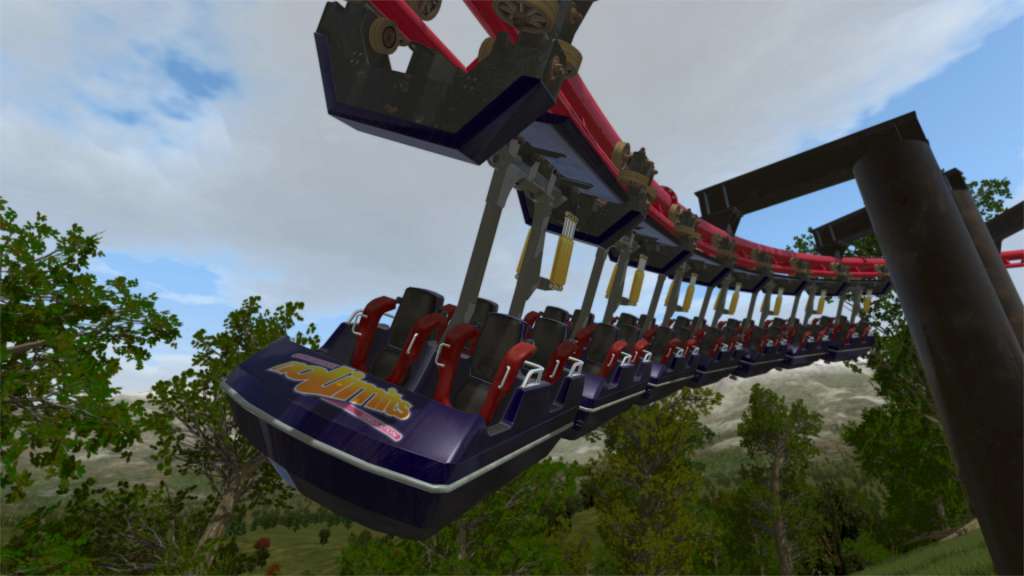
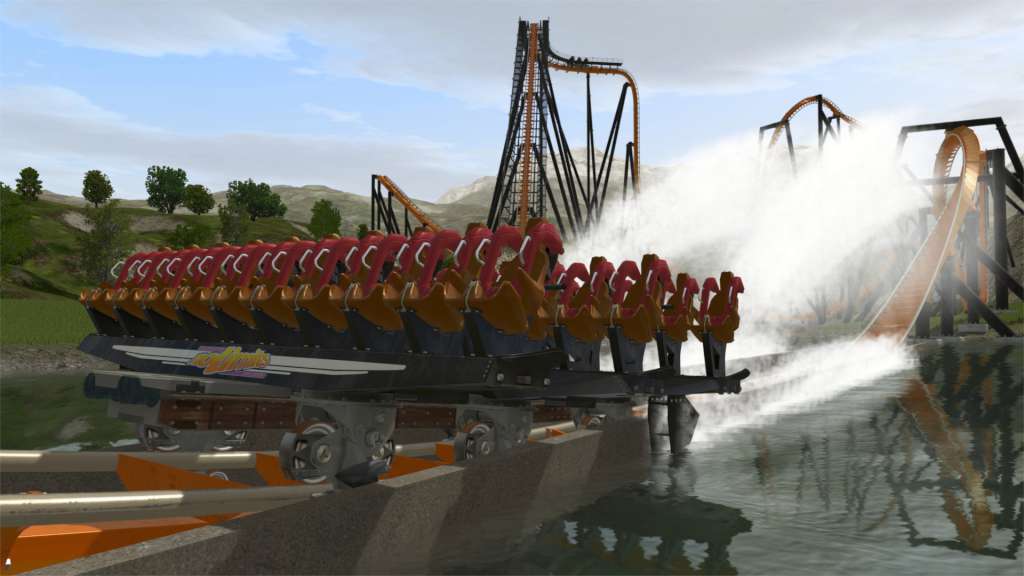
Use a full-featured roller coaster editor with a CAD-style wire-frame display to build a custom coaster. Drag and drop track, supporting structures, and other objects. Use slider bars to change the perspective of the elements being designed, and to zoom in and out. Your only constraints are the laws of physics and your imagination.
System requirements
Windows
- OS
- Windows XP with Service Pack 3
- Processor
- 2.4 GHz Dual Core
- Memory
- 2 GB RAM
- Graphics
- Compatible with Shader Model 3 and with at least 512 MB VRAM
- DirectX
- Version 9.0c
- Hard Drive
- 2 GB available space
- Additional Notes
- Good graphics card is very important. Some integrated graphics solutions might be too slow. Install and try out the demo from Steam if you are unsure whether your computer meets the requirements.
Mac
- OS
- macOS 10.9.5
- Processor
- Core i5 2.3 GHz Dual Core
- Memory
- 4 GB RAM
- Graphics
- OpenGL 3.3 compatible (Intel HD Graphics or better) with 512 MB VRam
- Storage
- 2 GB available space
- Additional Notes
- Intel GMA graphics not supported
Activation details
Go to: http://store.steampowered.com/ and download STEAM client
Click "Install Steam" (from the upper right corner)
Install and start application, login with your Account name and Password (create one if you don't have).
Please follow these instructions to activate a new retail purchase on Steam:
Launch Steam and log into your Steam account.
Click the Games Menu.
Choose Activate a Product on Steam...
Follow the onscreen instructions to complete the process.
After successful code verification go to the "MY GAMES" tab and start downloading.
Click "Install Steam" (from the upper right corner)
Install and start application, login with your Account name and Password (create one if you don't have).
Please follow these instructions to activate a new retail purchase on Steam:
Launch Steam and log into your Steam account.
Click the Games Menu.
Choose Activate a Product on Steam...
Follow the onscreen instructions to complete the process.
After successful code verification go to the "MY GAMES" tab and start downloading.


Reviews
There are no reviews yet.