Neon Space PC Steam CD Key

Neon Space

Release date
May 12, 2016
STEAM
Yes
Regional limitations
Region free
Developers
Just1337 Studio
Publishers
KupiKey
Genres
Action Adventure Strategy
Platform
Steam
Languages
English

Description

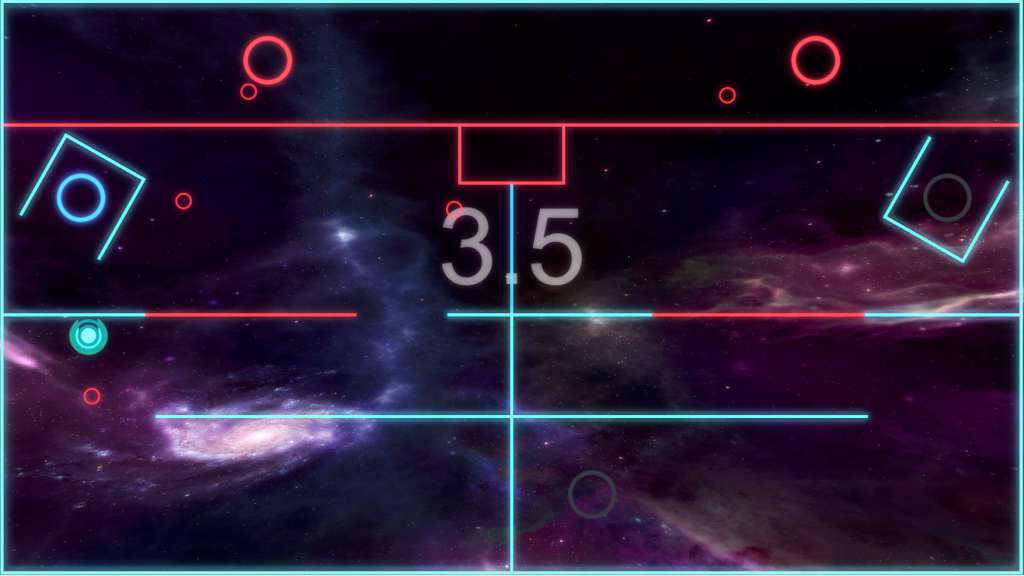
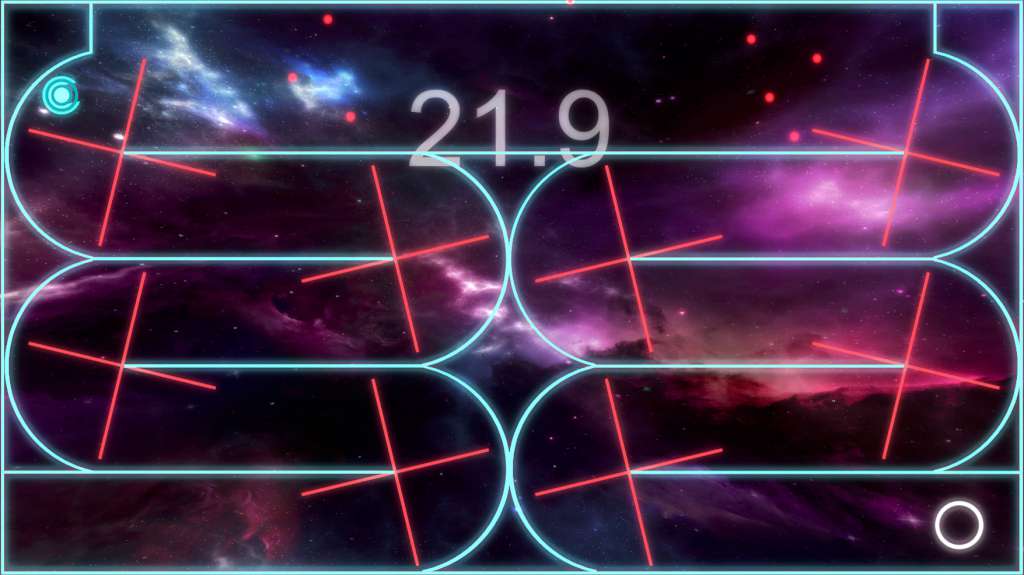
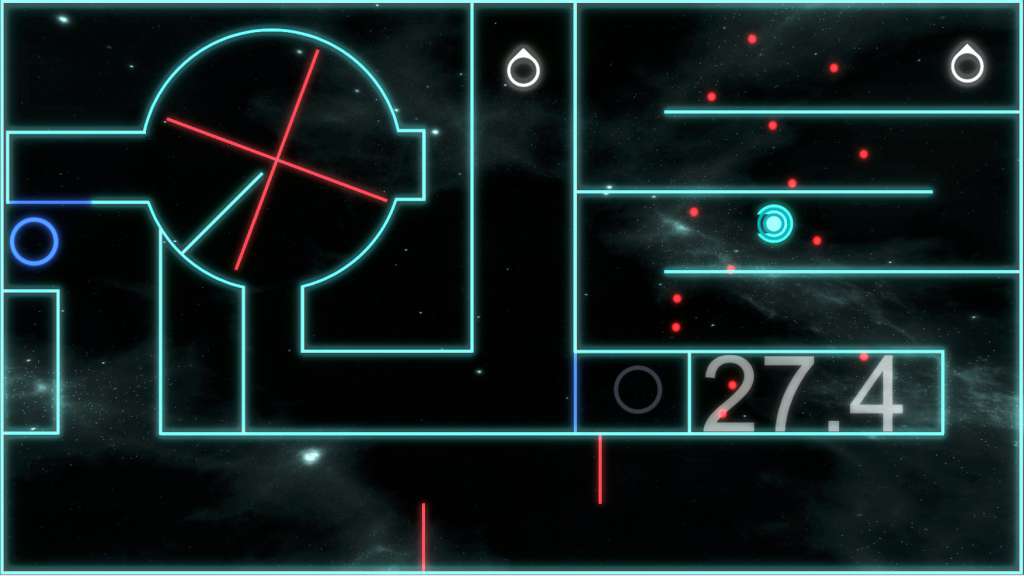
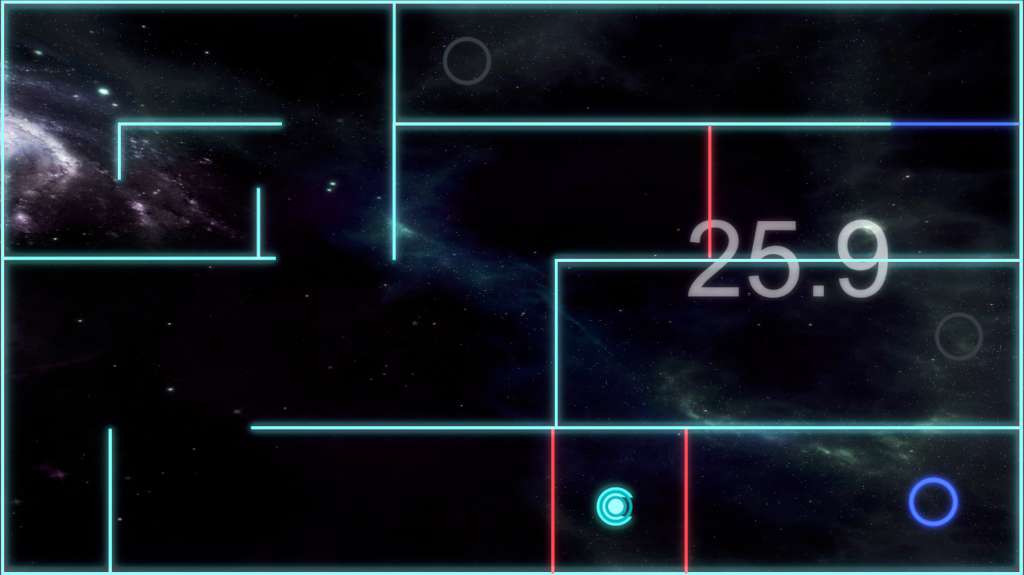
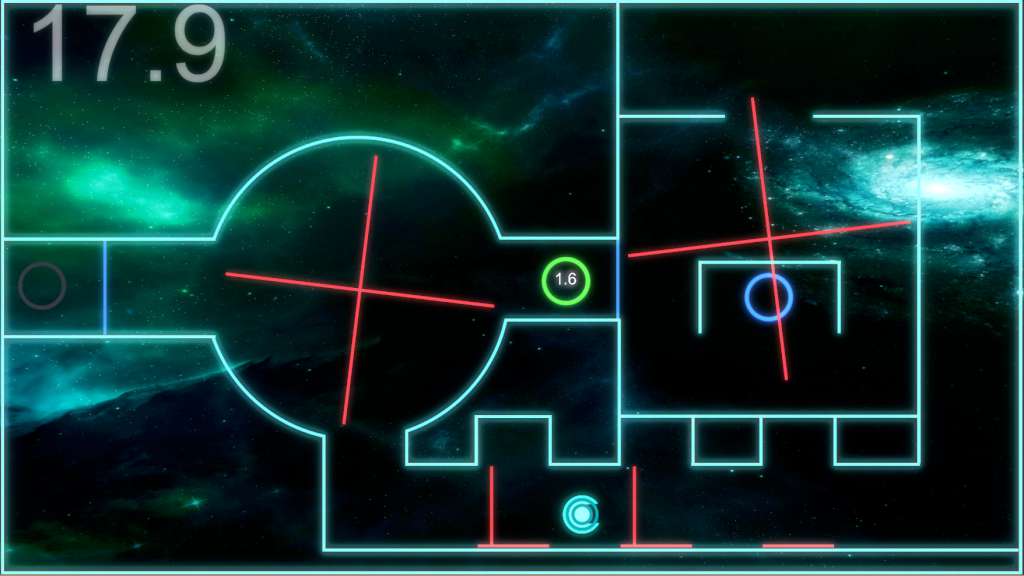
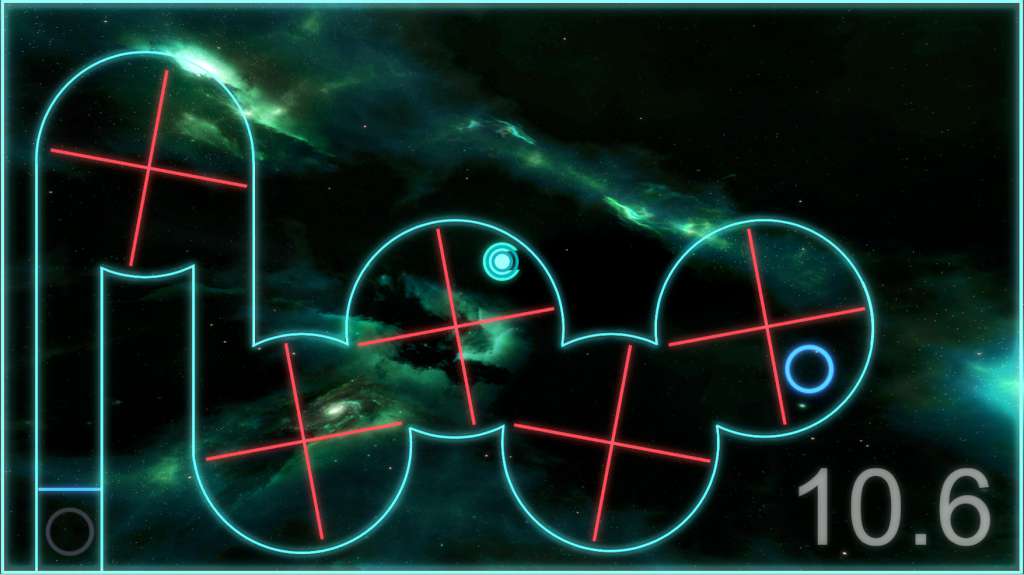
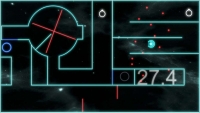
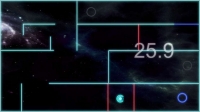
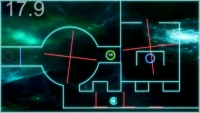
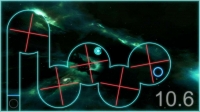
Neon Space is a fun and simple but at the same time highly addictive game. The goal of the game is to drive your little space ship from one end to another, dodging numerous obstacles, solving puzzles, opening new passages with checkpoints and discovering unique game mechanics by yourself. There are 50 levels, and there is also a cool medal system so you can always try your best for that shiny gold medal. If the game becomes too hard you can make it easier with your two in-game abilities slow and blink. Slow ability- allows for the player to slow down everything except for the player itself. Blink ability- allows you to jump a short distance. If you manage to time it right, you can even jump through some of the obstacles in the game. These cool little tricks will have to be used on some levels to push you a bit closer to that medal. To make sure the game doesn’t become too boring, new mechanics and tricks are being added to some levels, just to keep it spiced up through the entire play time.

System requirements

Windows
Minimum: OS: Windows 7 or later Processor: Intel dual core 2.0 Ghz Memory: 256 MB RAM Graphics: 256 MB or higher DirectX: Version 9.0c Storage: 200 MB available spac
Mac
Minimum: OS: Mac OS X 10.10.3 Processor: Intel dual core 2.0 Ghz Memory: 256 MB RAM Graphics: 256 MB or higher Storage: 200 MB available space
Linux
Minimum: OS: Ubuntu 12.04.05 LTS (Precise Pangolin) Processor: Intel dual core 2.0 Ghz Memory: 256 MB RAM Graphics: 256 MB or higher Storage: 200 MB available space

Activation details

Go to: http://store.steampowered.com/ and download STEAM client Click "Install Steam" (from the upper right corner) Install and start application, login with your Account name and Password (create one if you don't have). Please follow these instructions to activate a new retail purchase on Steam: Launch Steam and log into your Steam account. Click the Games Menu. Choose Activate a Product on Steam... Follow the onscreen instructions to complete the process. After successful code verification go to the "MY GAMES" tab and start downloading.

Reviews

Reviews

There are no reviews yet.

Be the first to review “Neon Space PC Steam CD Key”

Your email address will not be published. Required fields are marked *

Add to cart